
The Facebook Aggregated Event Measurement area within Facebook is designed to track and measure web and application activity from users on iOS14 devices. It incorporates enhanced privacy measures, such as removing personal identifiers, employing differential privacy techniques, and aggregating data from multiple users. These measures ensure compliance while still providing accurate performance insights. Facebook’s Aggregated Event Measurement, combined with ThriveCart’s Funnel Conversion Tracking and Ecommerce Analytics, empowers you to maintain accurate tracking, help you deliver relevant ads, and measure every stage of your customer’s journey.
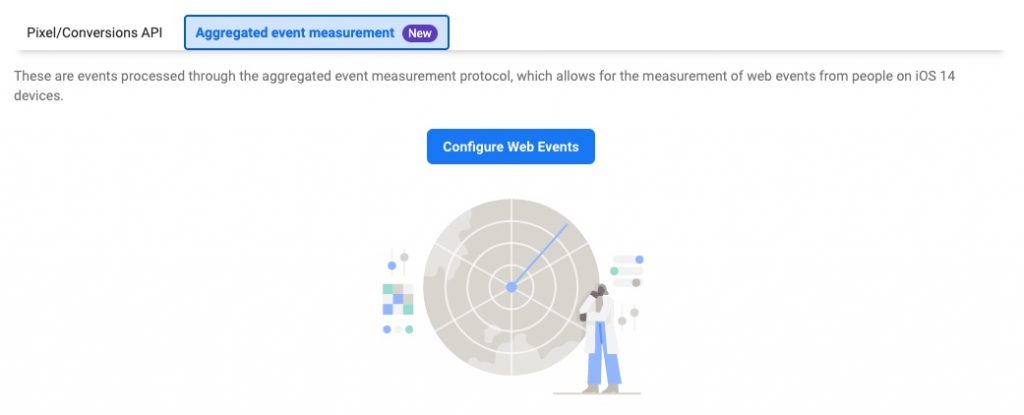
When clicking through to ‘Configure Web Events’, you’ll see a list of your domains where Facebook Pixels are triggering, including thrivecart.com.
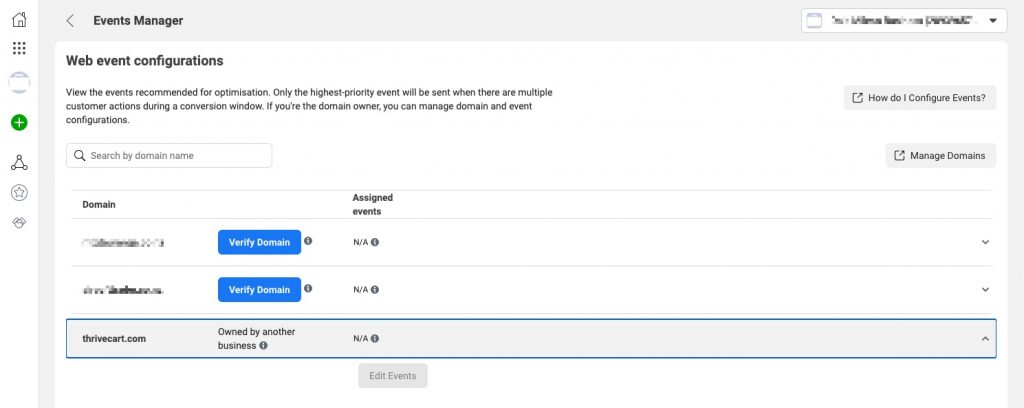
As you do not own the domain “thrivecart.com”, you cannot personally set the events or the priority of these events for iOS14 tracking.
After you have set up a custom domain and gone through custom domain verification in Facebook, events from your subdomain will start getting tracked in Facebook (you can put your cart into test mode and complete some test purchases in order to start passing events through).
Once Facebook has tracked these events, you can edit the events in the AEM area for your domain. Typically, you’re going to want to prioritise your events in the following order:
- Purchase – The pixel event that’s loaded for each product in the funnel that’s purchased by the customer
- ViewContent – The pixel event that’s loaded when a customer views an upsell or downsell page
- InitiateCheckout – The pixel event that’s loaded when a customer lands on the checkout page