
Unlock a faster path to purchase
ThriveCart’s QR Code Checkout is a simple but powerful Pro+ feature that gives potential customers instant access to your checkout page—no typing, no friction, just a quick scan and they’re in.
Whether you’re at a trade show, conference, or selling one-on-one, QR codes save time and eliminate manual errors by linking directly to your checkout or landing pages. They’re ideal for live and fast-paced sales environments where every second counts.
Turn every touchpoint into a sales opportunity
Scannable QR codes are an easy, low-effort way to boost revenue across in-person and online environments. Use them on booth decorations, banners, product demos, or even branded merch like lanyards and T-shirts to increase traffic and drive conversions.
Creating a QR Code Image
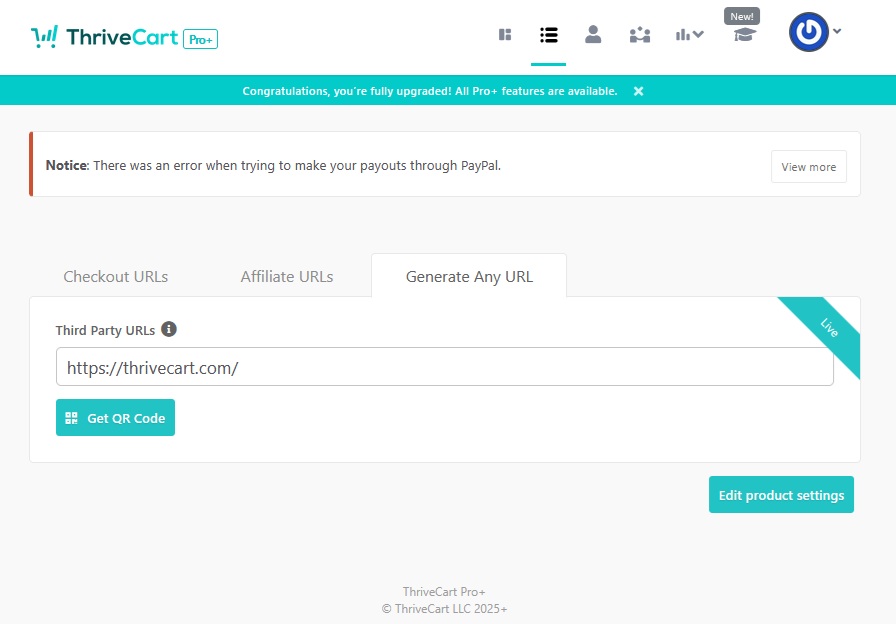
After saving your product, on the ‘Get URL’ page, you’ll see a ‘Get QR code’ button.

Clicking the ‘Get QR code’ button will then show a modal with the QR code image.
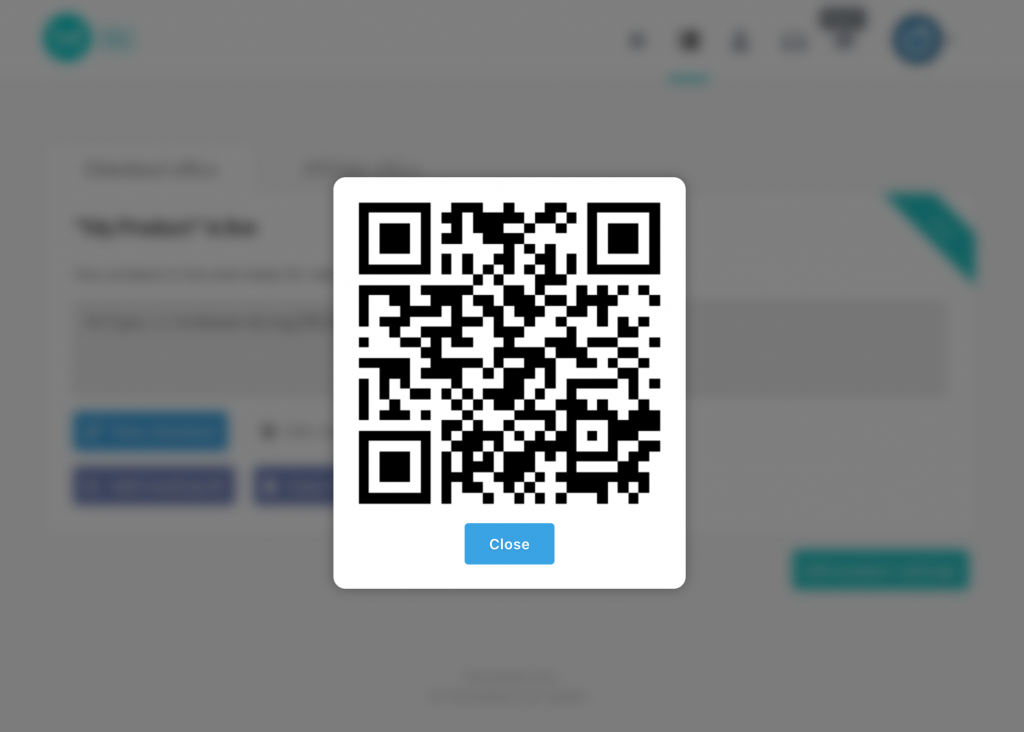
You can then right-click and choose the ‘save image as’ (or related wording in your browser) and save this image to your computer.
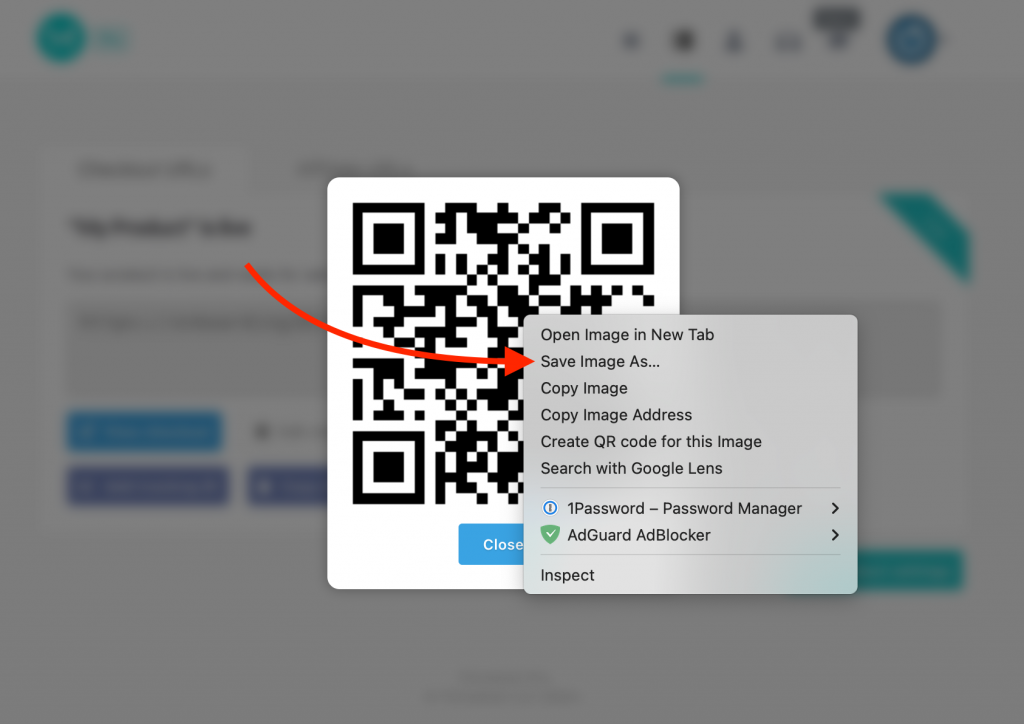
You can now drop this QR code via the saved image into your marketing materials, and anyone scanning the QR code on their mobile device’s camera will have the option to open the link directly to your checkout page without having to enter the URL manually.
Creating a QR Code for a Third-Party URL
From the ‘Get URL’ page, you can also click on ‘Generate Any URL’, where you can generate a QR code for any third-party URL and these URLs do not even need to be affiliated with ThriveCart.
This is helpful if, for example, you’re using an embedded checkout, or are wanting to promote your website or a custom landing page instead of your ThriveCart checkout directly.
Frequently Asked Questions (FAQs)
- Q: If I create a QR code now and add it to printed materials, can I later change the destination URL for that code?
- A: Currently, ThriveCart generates static QR codes for checkout pages. This means that once the QR code is created for that product, the destination URL is permanently embedded in it and cannot be changed later.
- Q: My checkout is embedded, can I still use a QR code?
- A: Yes! However, you’ll want to instead “Generate Any URL” and enter the URL for the sales page where your ThriveCart checkout is embedded.